

Google Data Studio template report connection
(Make a request on template report.
[Report Example] (https://datastudio.google.com/reporting/b74392a2-640b-4556-9a85-5fda09421364)
(Make a request on template report sharing)
Create new data source
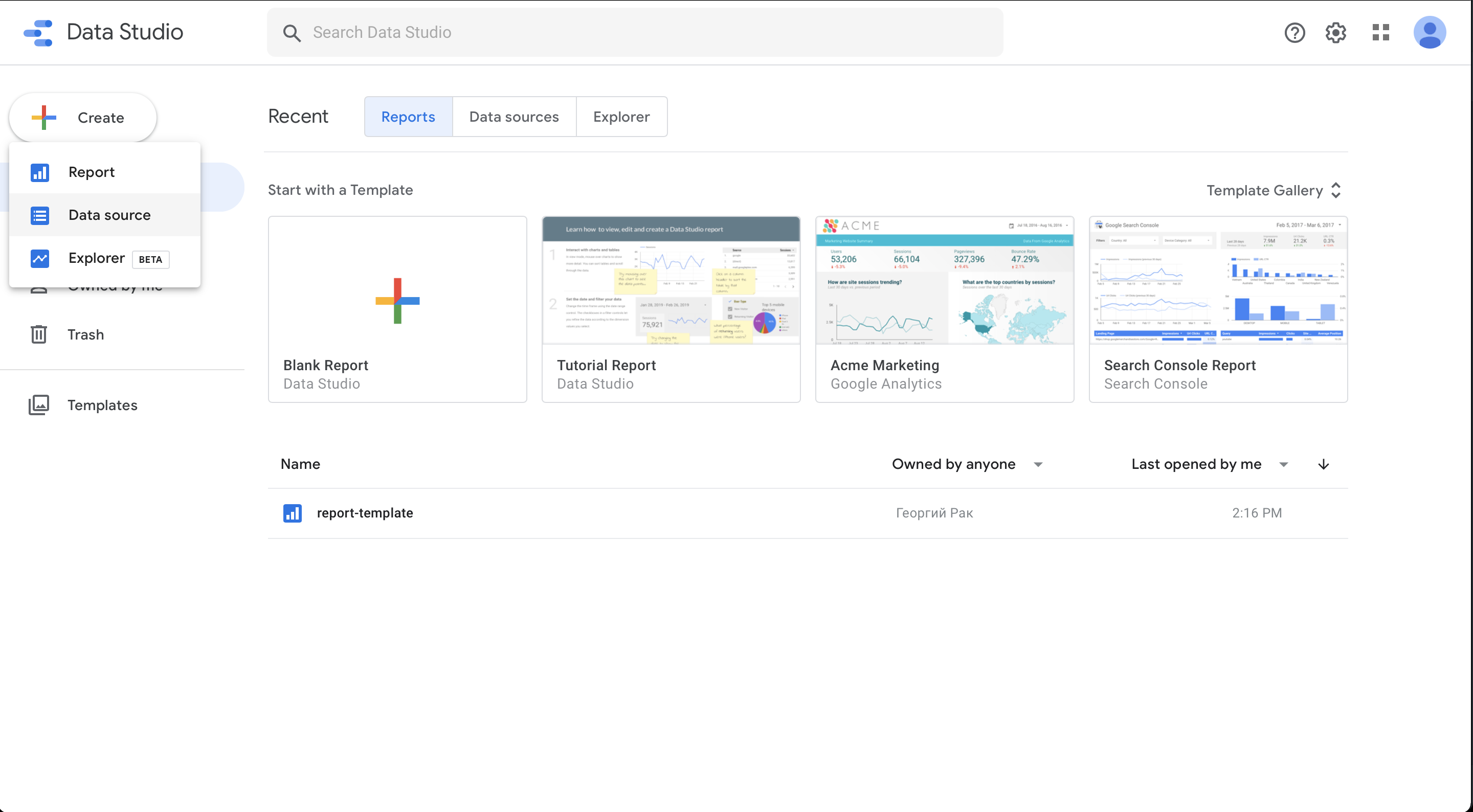
- Create -> Data source
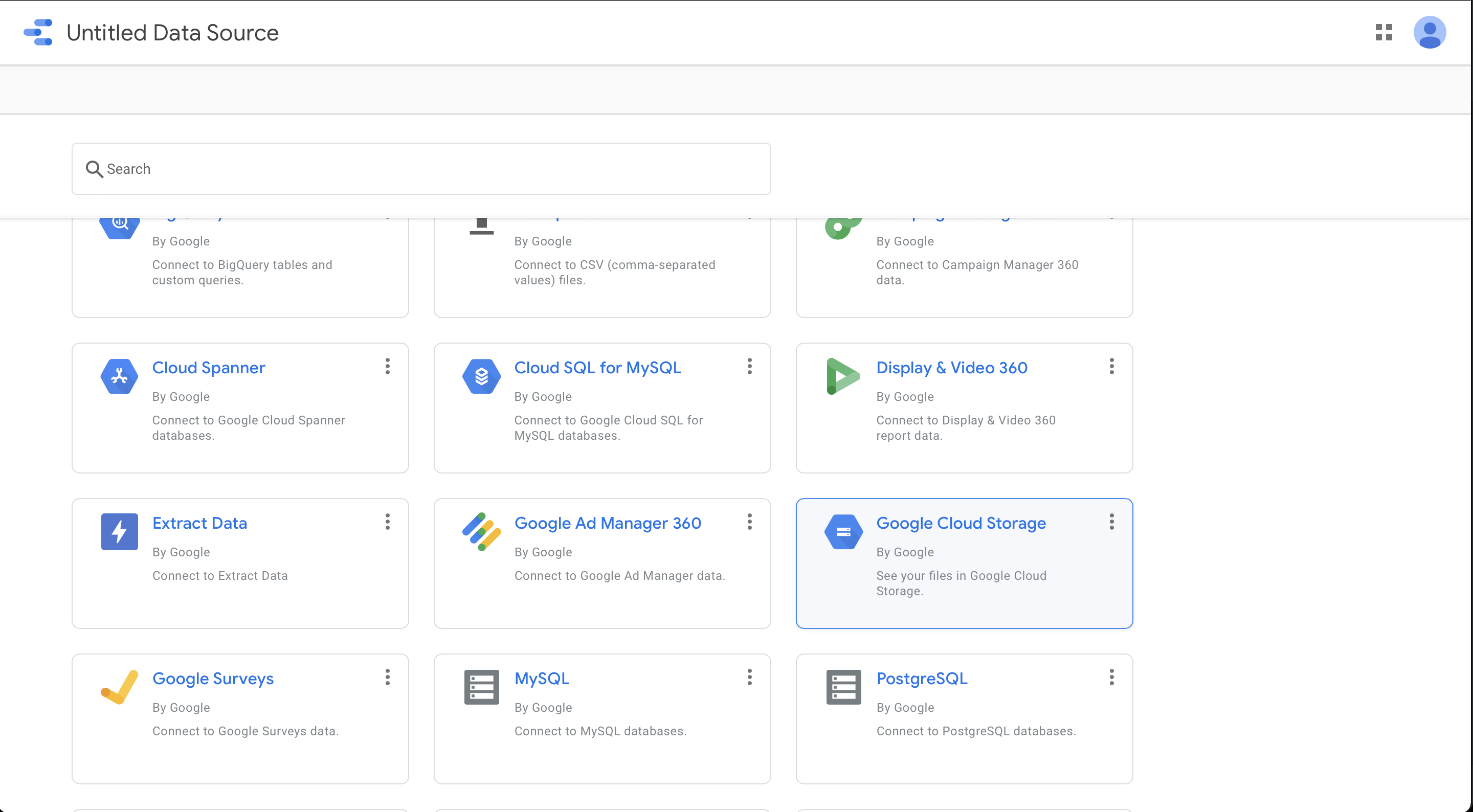
- Choose "Google Cloud Storage"
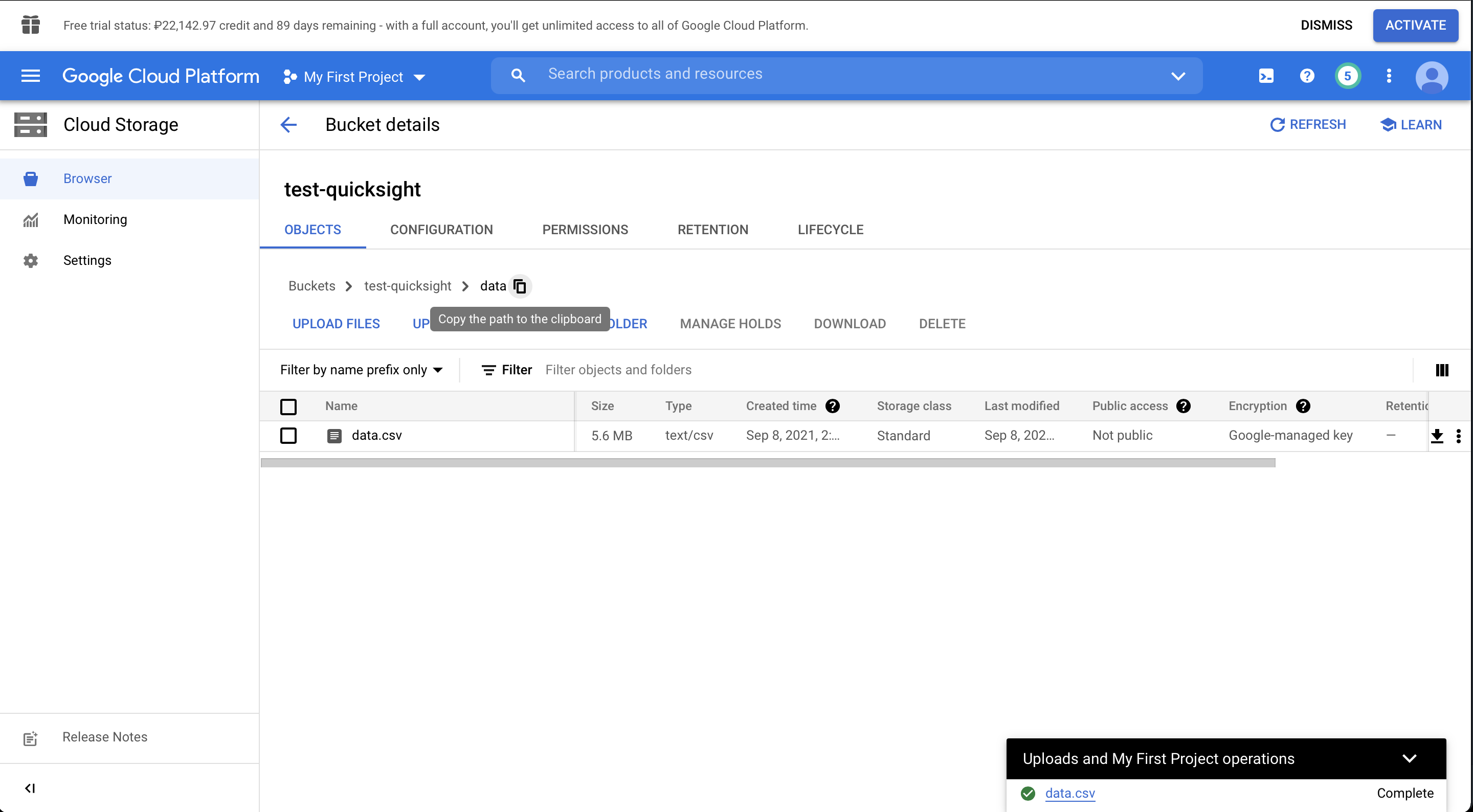
- Go to Google Cloud -> bucket -> folder with BI files
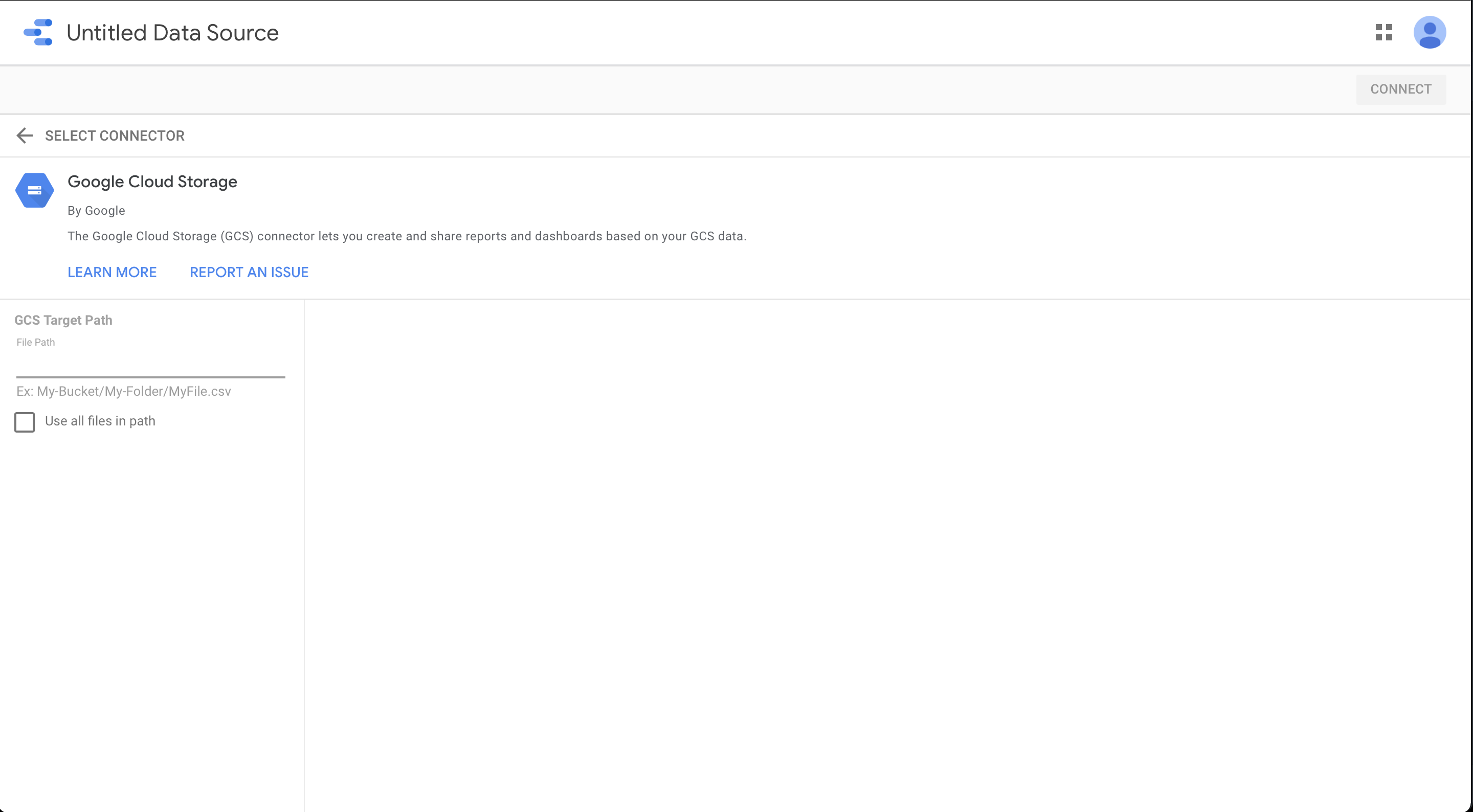
Insert link to folder
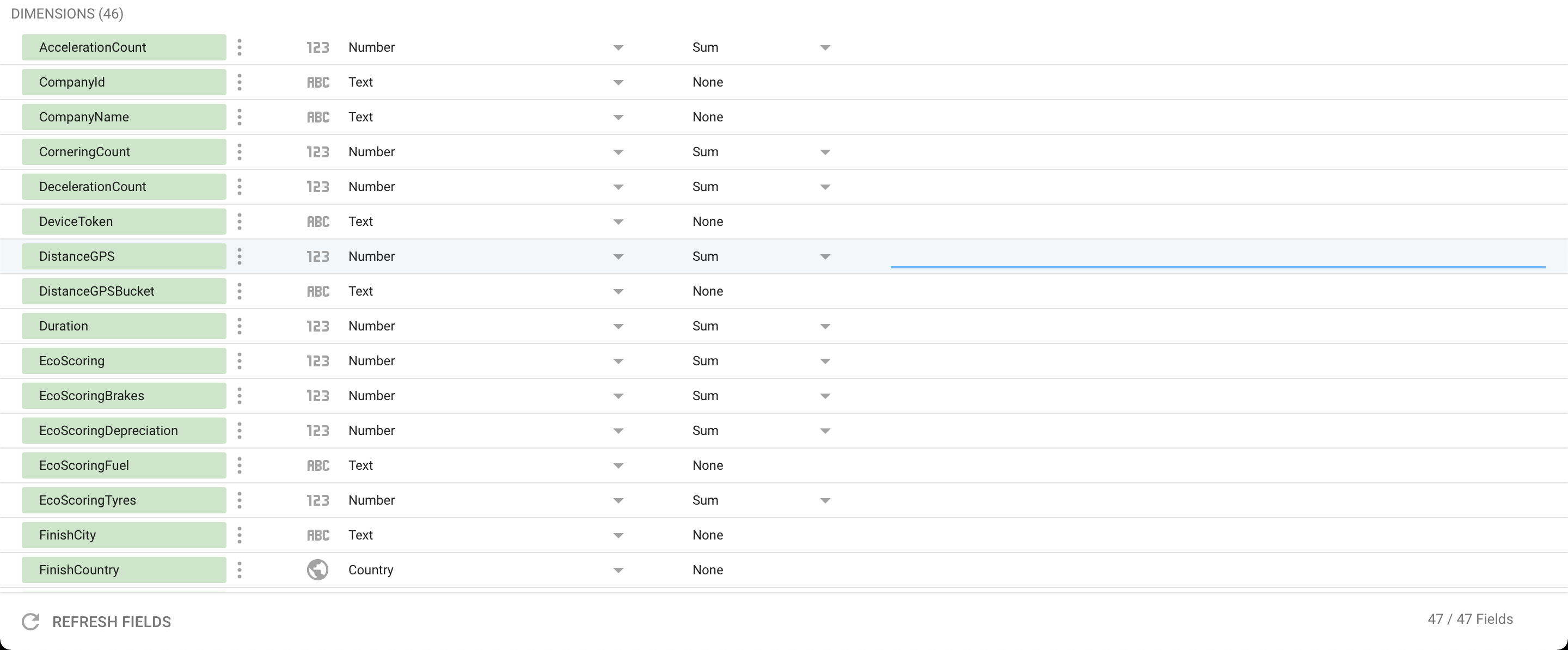
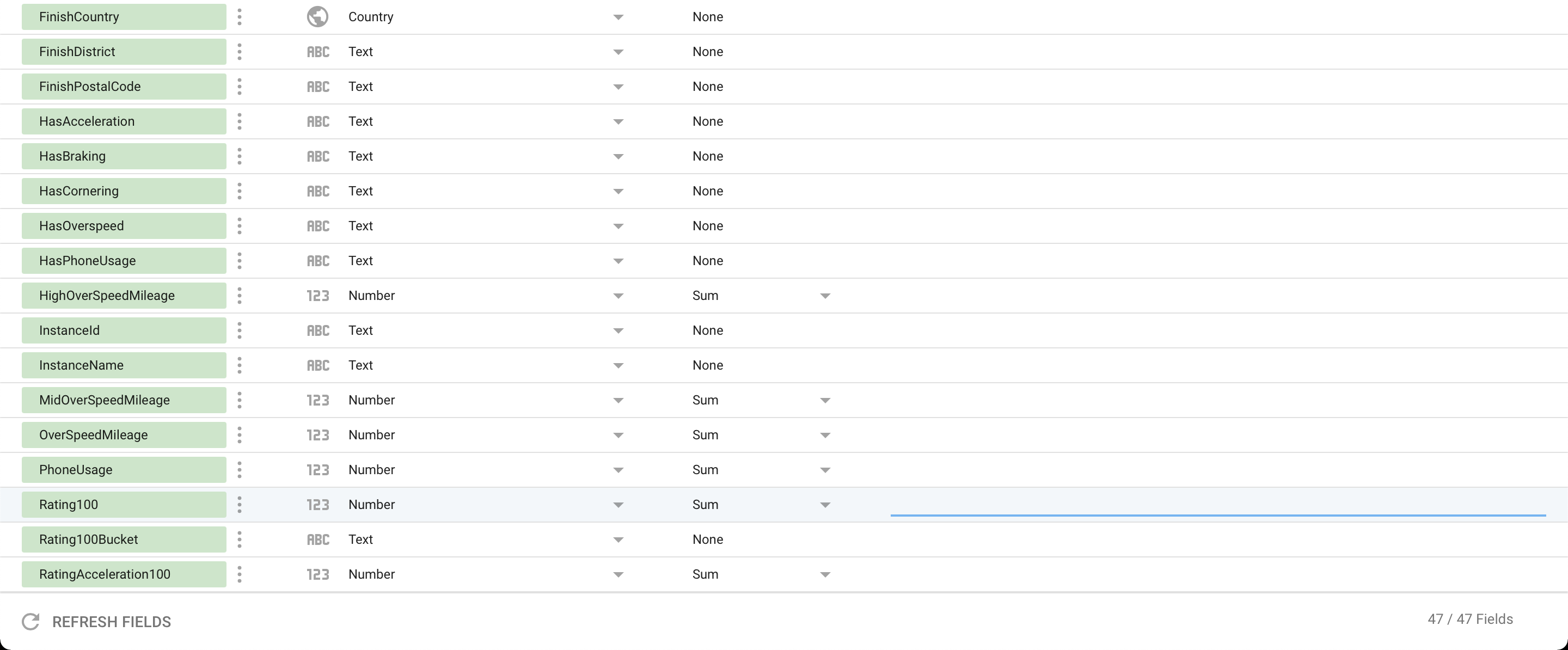
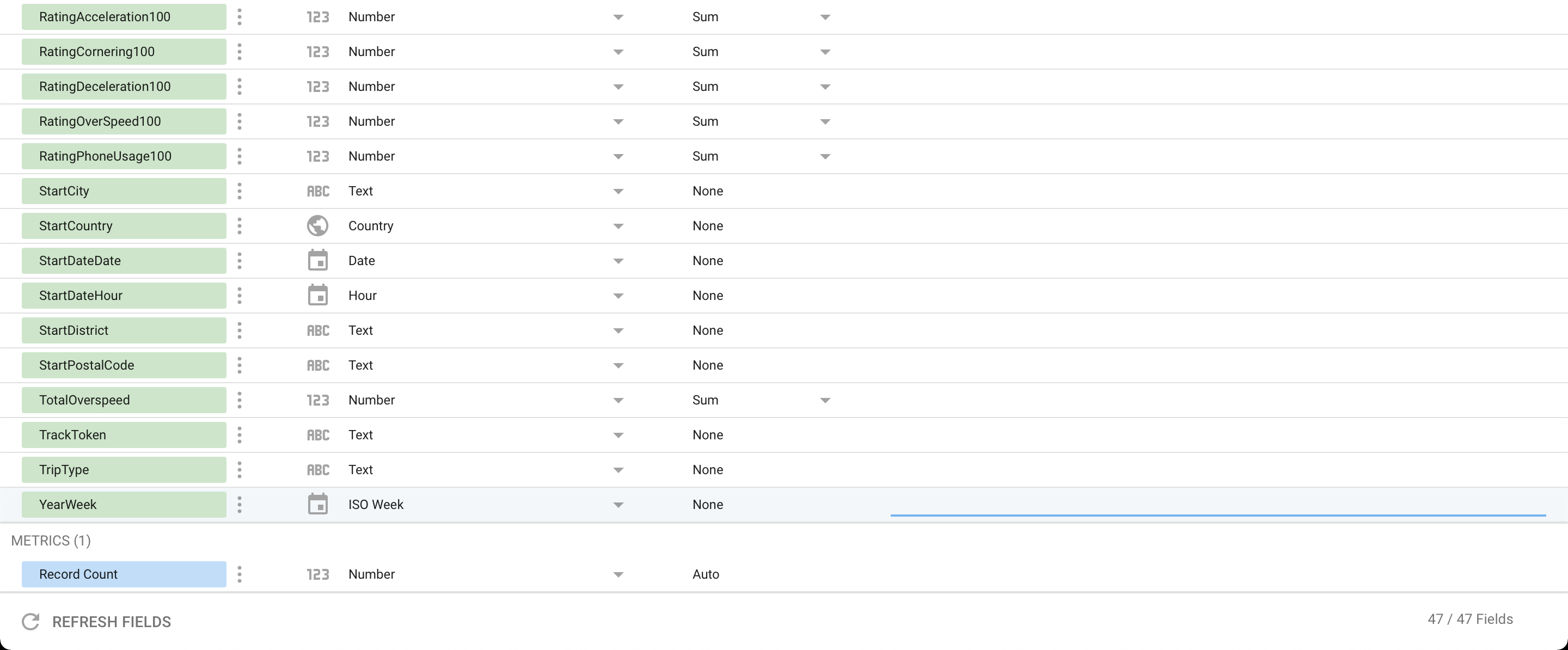
- Check all types of fields
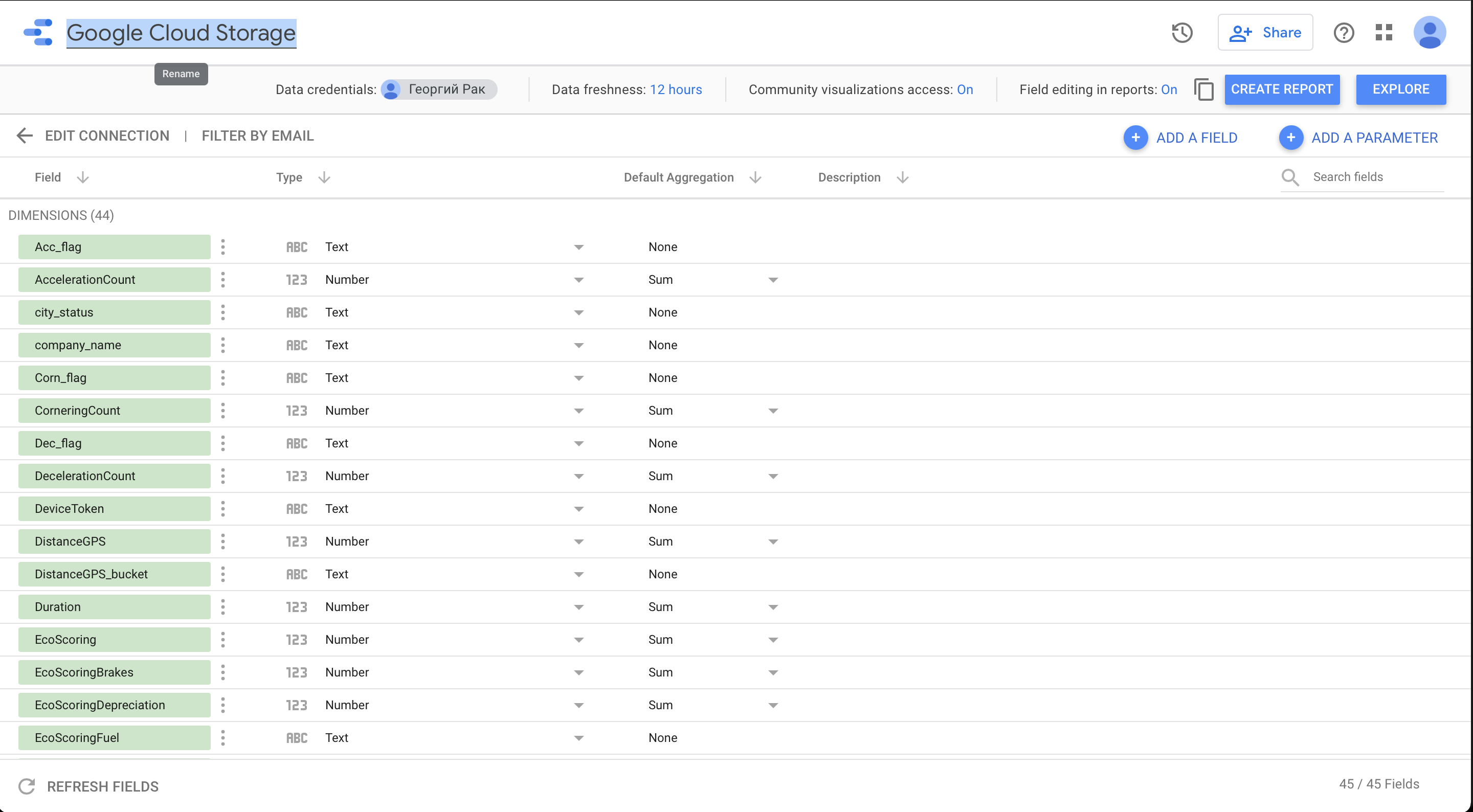
- Rename the data source
Creation template copy with new data source
- Make a copy of the template dashboard
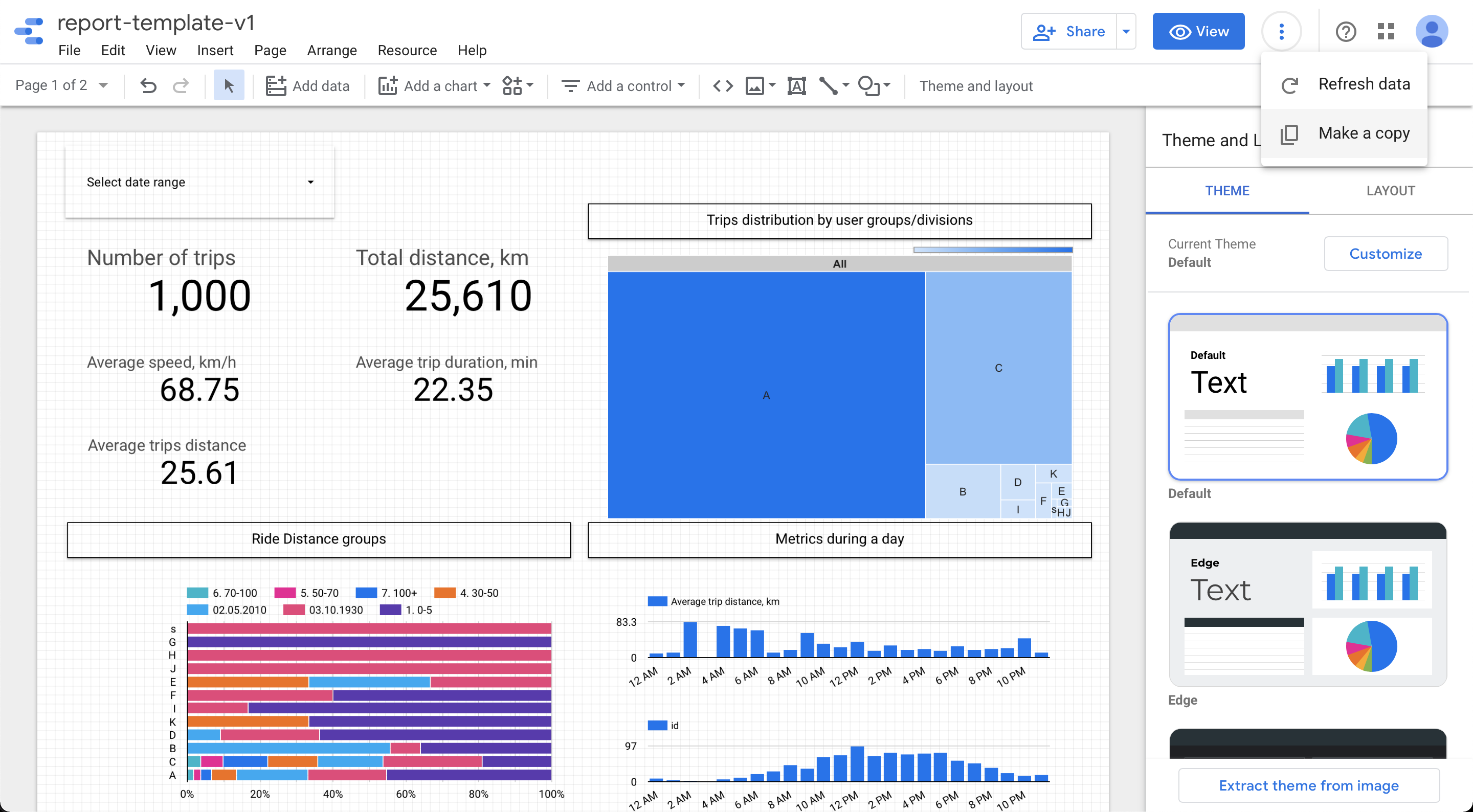
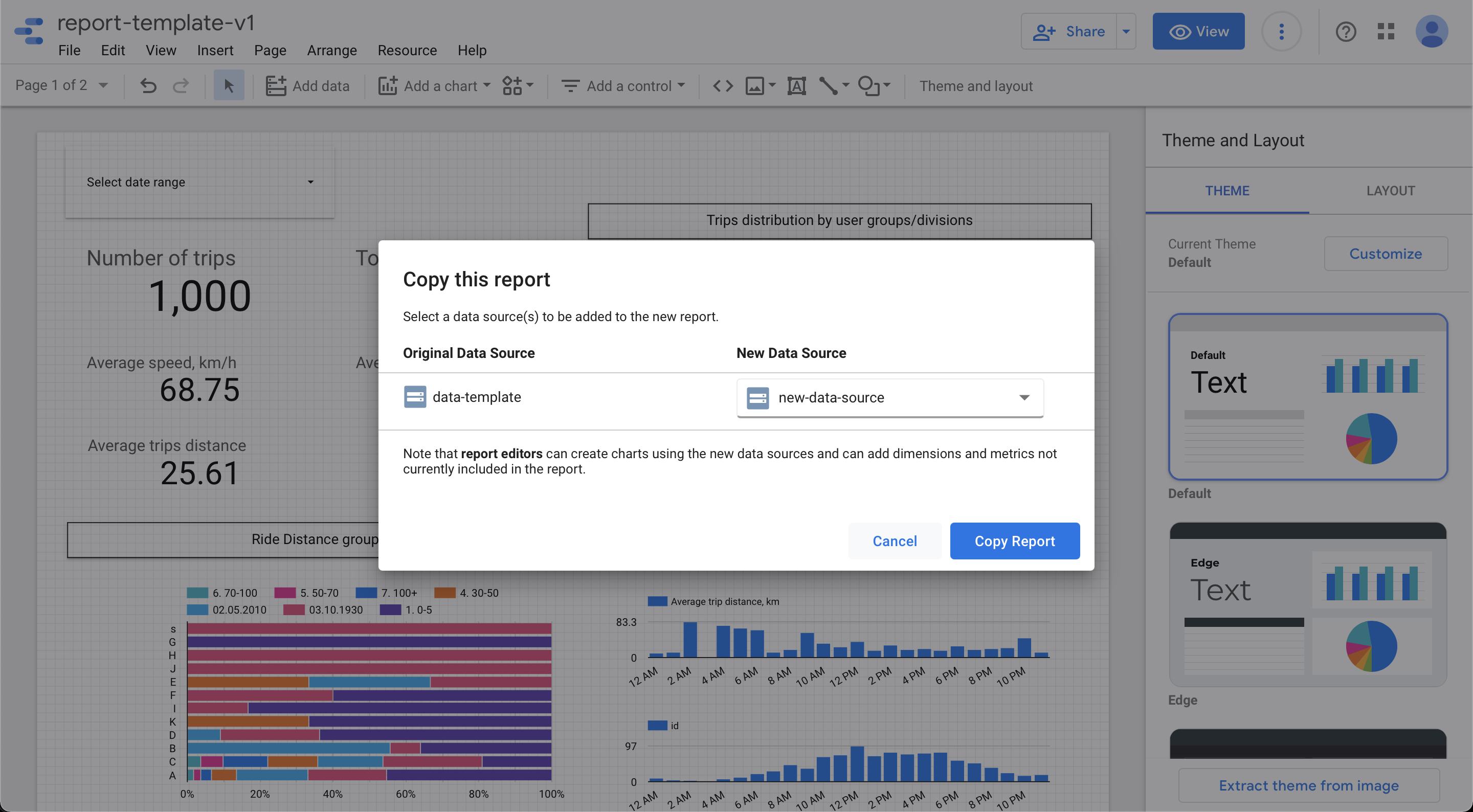
- Change Data Source to youth
Updated 5 months ago
Did this page help you?